

Playing a story
A moiki is read one sequence at a time. At each step a short text appears, sometimes with an image or a sound, and then it is up to you to decide what comes next. The reading happens in the browser, on a computer, a tablet or a phone, and the display adapts to the screen.
Getting started
Section titled “Getting started”On a first read, you land on the title screen, with the name of the story and that of its author. Press the Play button at the bottom of the card to begin.
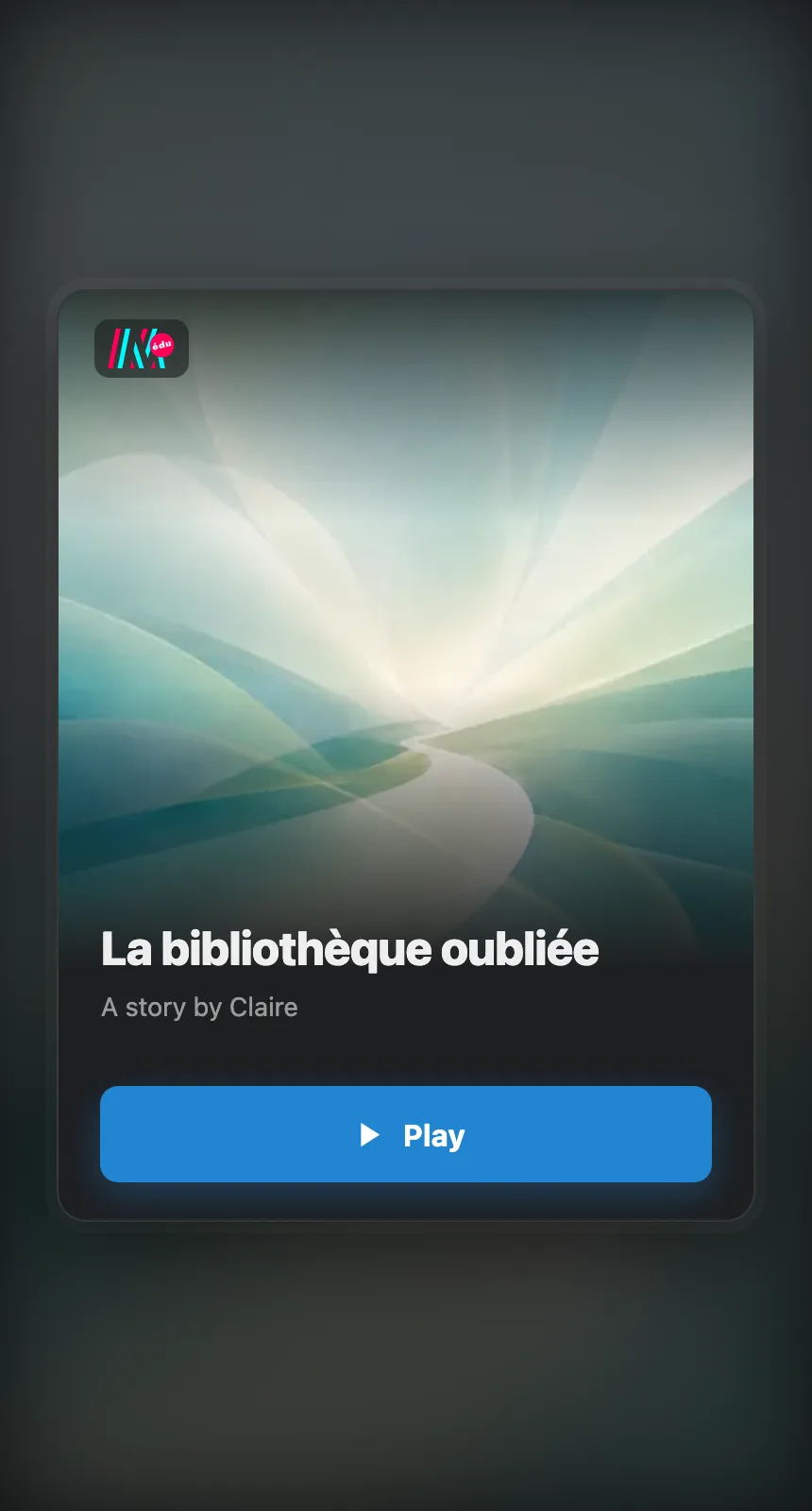
The title screen: the name of the story, its author, and the Play button.
If you have already started this story, that same screen offers to Resume rather than to play. See Resuming a game.
Moving through the story
Section titled “Moving through the story”A sequence often ends with choices. Each choice is a button. Click the one that tempts you and the story carries on in that direction.

A reading sequence: the text in the middle, the choices below, your gauges at the top.
When a passage has only one continuation, a single button invites you to carry on. A sequence can offer as many choices as the story calls for.
Going back, and following your progress
Section titled “Going back, and following your progress”At the bottom left, a curved arrow takes you back to the previous sequence, when the author has left going back possible. It disappears as soon as there is nothing left to undo. At the bottom right, if the author has turned the stats display on, a counter shows how many sequences you have been through, out of the story’s total.
The menu
Section titled “The menu”All the player’s controls sit in one corner, at the bottom left. A button there opens the menu, which gathers the Statistics of your game, the Achievements of the story, the Settings, the media Credits, Restart and Leave. Each entry only appears if the story is concerned by it.
Restart asks for confirmation first, and lets you choose between Restart, which keeps your cumulative statistics, and Reset, which clears them.