

Resuming a game
Your progress is saved automatically, in your browser. If you leave a story part-way and come back later, the player offers to Resume where you stopped, or to Start over from the beginning.
That choice is made on the story’s entry screen, the one that shows its cover and its title. As long as you have played nothing, it carries only a Play button. As soon as a game is in progress, that button becomes Resume, the date of your last visit shows underneath, and Start over appears beside it.
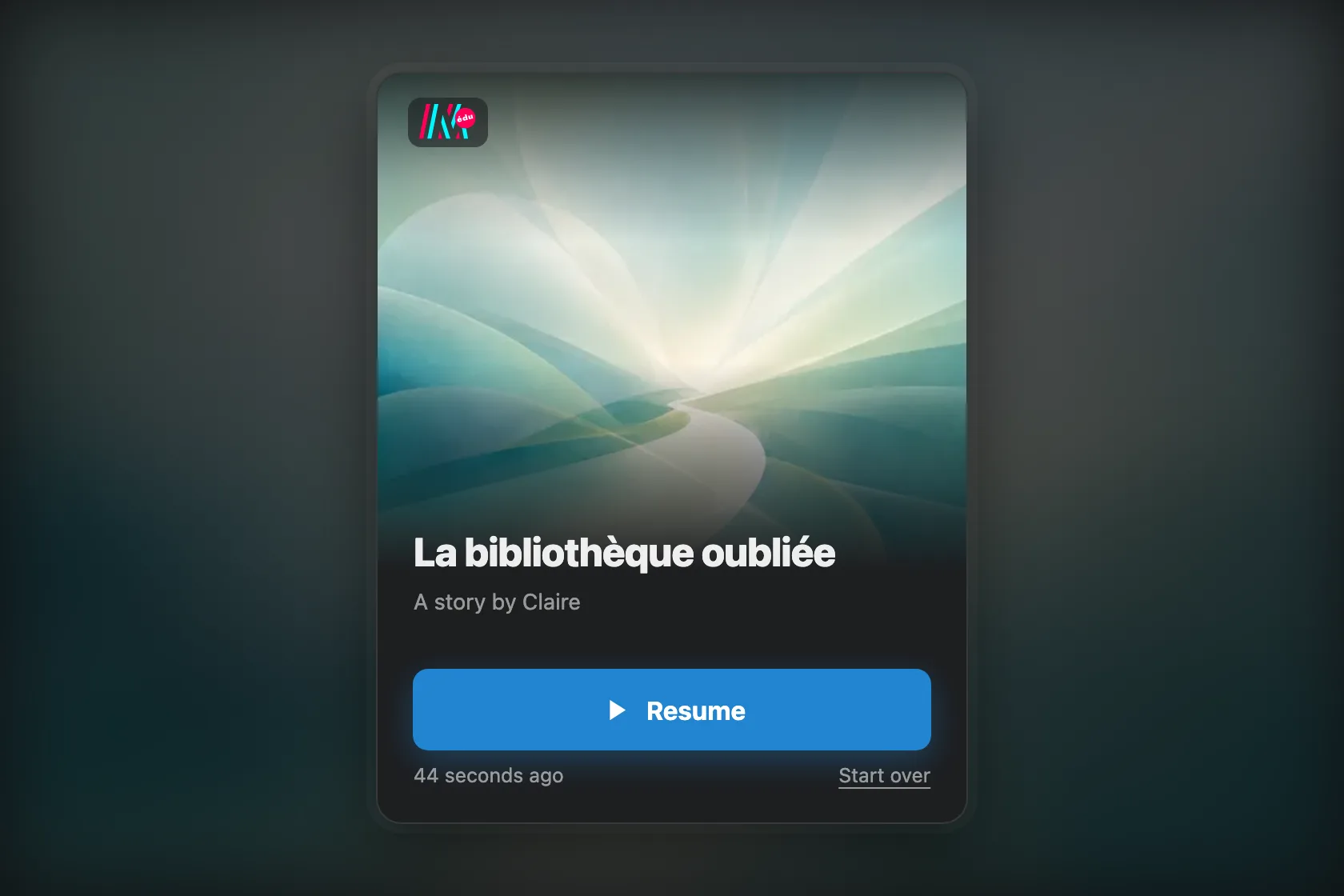
Back on a story you had started, you choose whether to resume or to start over.
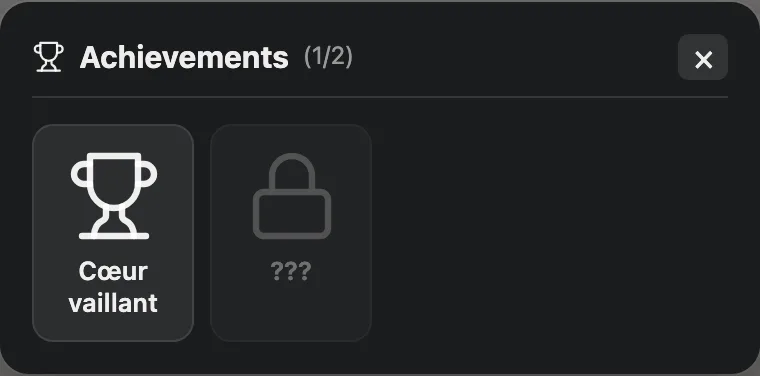
The achievements window, opened from the menu. An achievement still locked shows neither its name nor its icon.