

Joining a workshop
Once you are signed in, there is nothing to do to join a workshop. The ones your teachers share with your class show up on their own.
Your home page
Section titled “Your home page”When you arrive, you land on your Home page. It sums up where you stand: your workshops in progress, what you still have to hand in, the stories to read, and the Feedback from your teacher waiting for you.
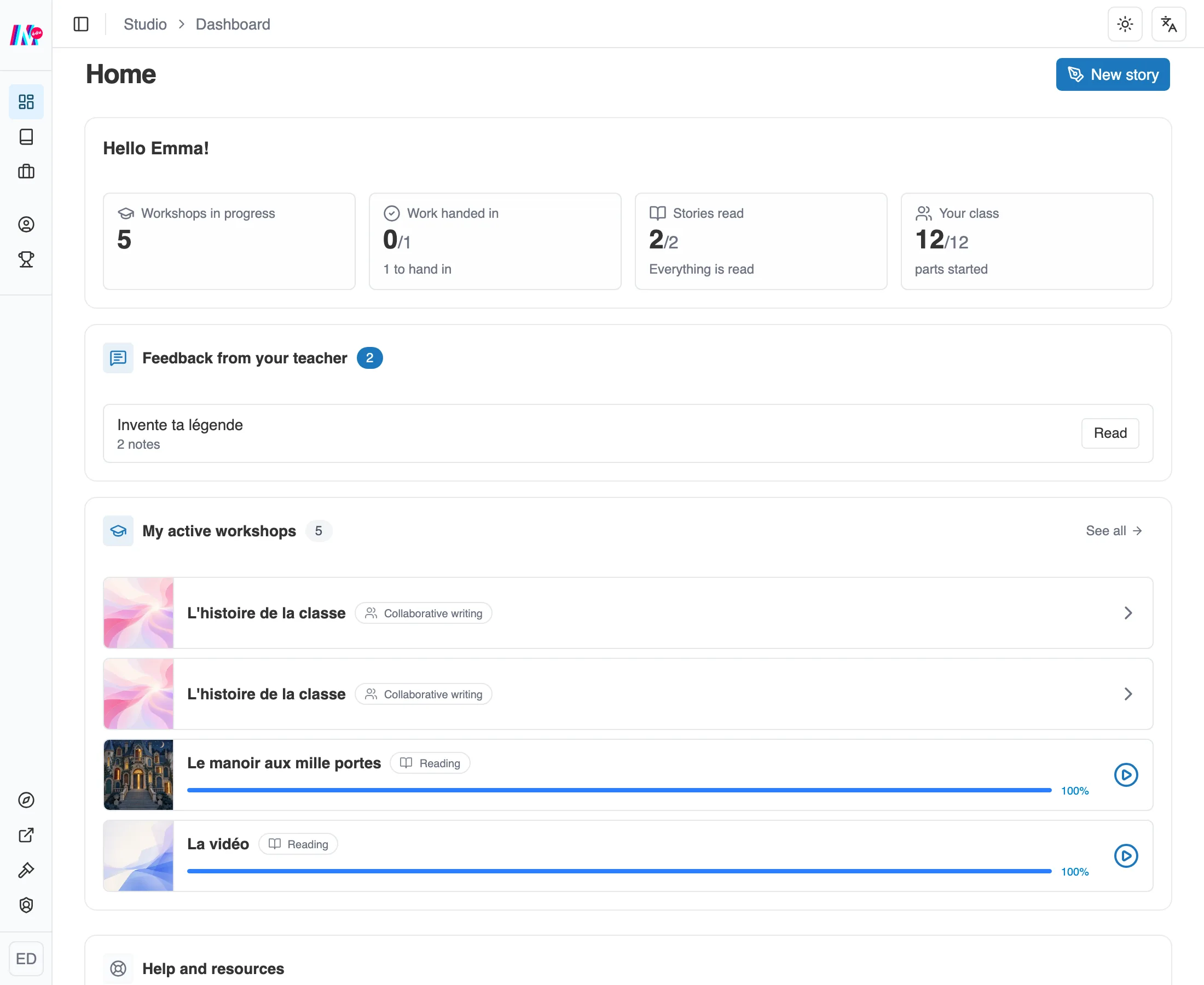
Your home page: your counters, the feedback to read, and your workshops in progress.
A click on a workshop in the list opens it. See all leads to the My workshops page.
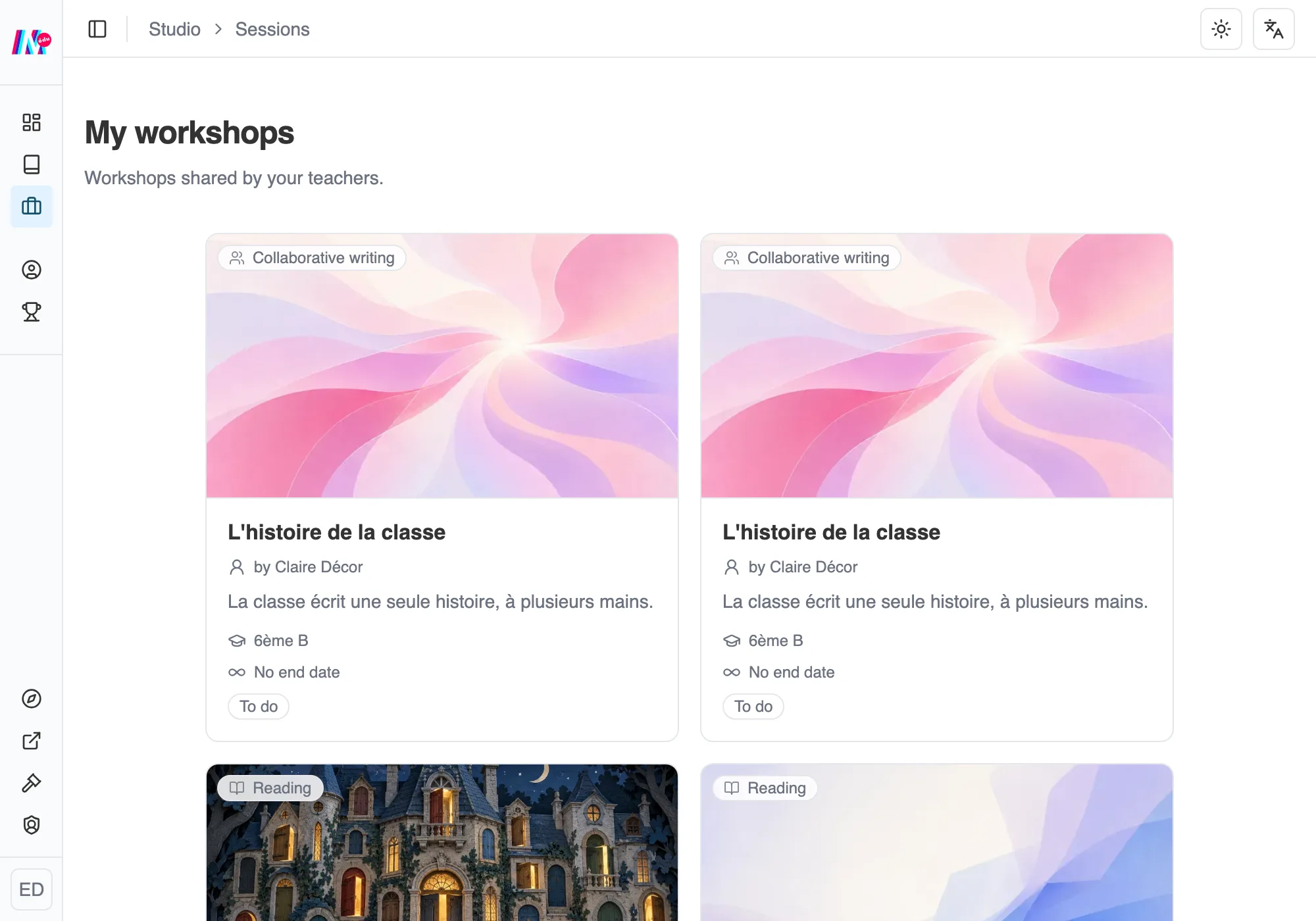
“My workshops”: the workshops your teachers have shared.
My workshops
Section titled “My workshops”The My workshops section gathers every workshop shared with you. Each one opens with a click, to read or to write, depending on what the teacher has planned.
Until a workshop has been shared with you, your Home page welcomes you and explains that workshops will land there as soon as your teachers share some. There is nothing to do on your side, and if you are expecting one, the card invites you to ask your teacher about it.
If several teachers have invited you into different spaces, everything arrives in the same list. A card that comes from another space carries its name underneath.
Joining a group with a code
Section titled “Joining a group with a code”Sometimes a teacher brings together students from several classes, for a club for instance. They then give you an eight-character code.
Open your account menu, at the bottom of the sidebar, and choose Join a group.
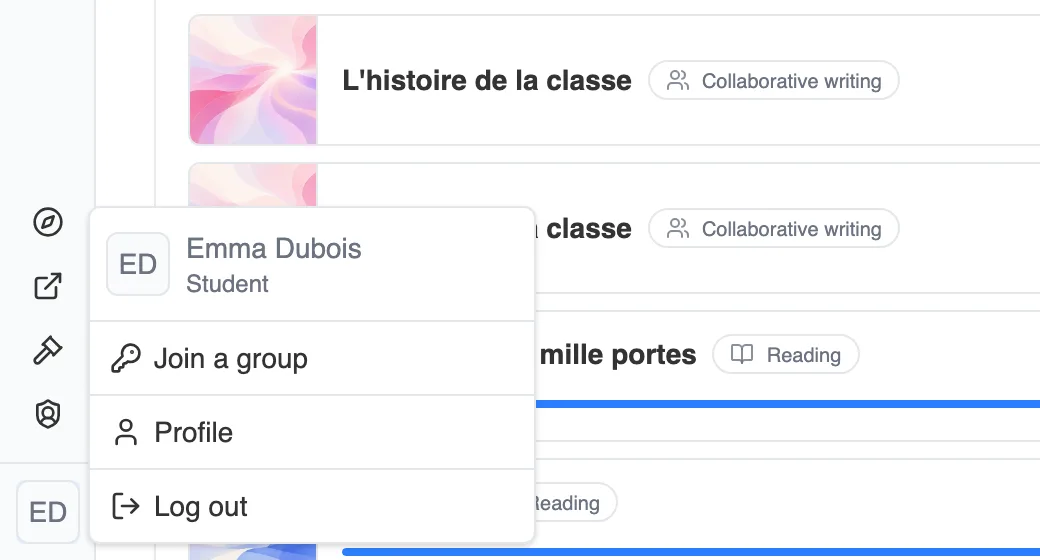
Join a group is in your account menu.
Type the code into the two boxes, four characters in each, then Join the group. You can also paste the whole code: it spreads itself out.
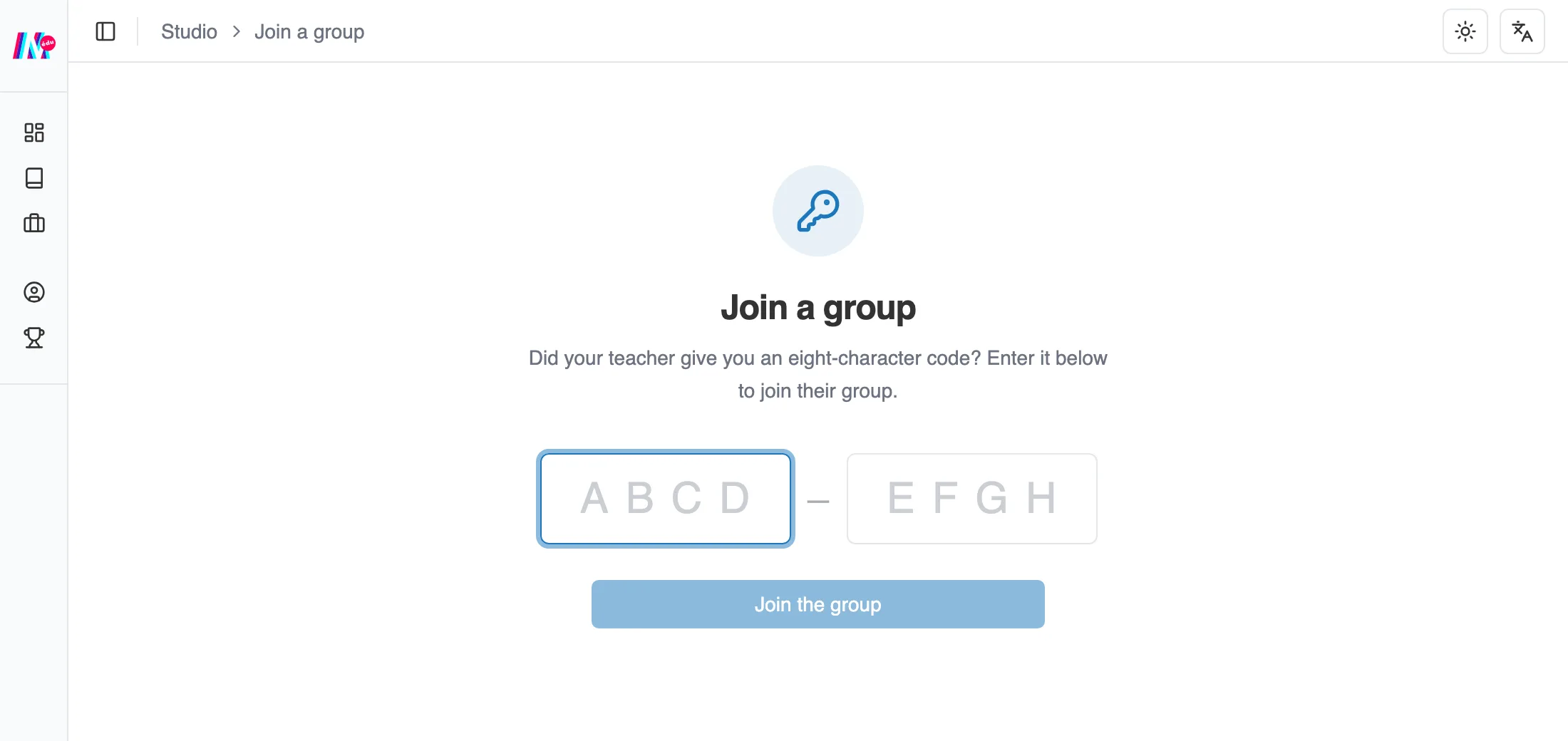
The group code is typed in two blocks of four.
Moiki confirms the name of the group you joined. Its workshops will appear on your home page.
What is expected of you
Section titled “What is expected of you”Open a workshop, and one sentence tells you what there is to do: read a story through to the end, write your own, write your group’s story each of you in turn, or write your piece of the class story.
Your teacher’s Instructions and Objectives appear in the same place, along with your progress overall on the workshop.