

Your personal Moiki space
When you discover Moiki through your establishment, everything you create belongs to your establishment account. The day that access ends, a change of post, a school year that closes, your stories and your workshops go with it.
The personal space answers that. You link your establishment account, once and for all, to a personal account of your own, with your email address. Your creations now live on that personal account, and you go on working exactly as before from your establishment.
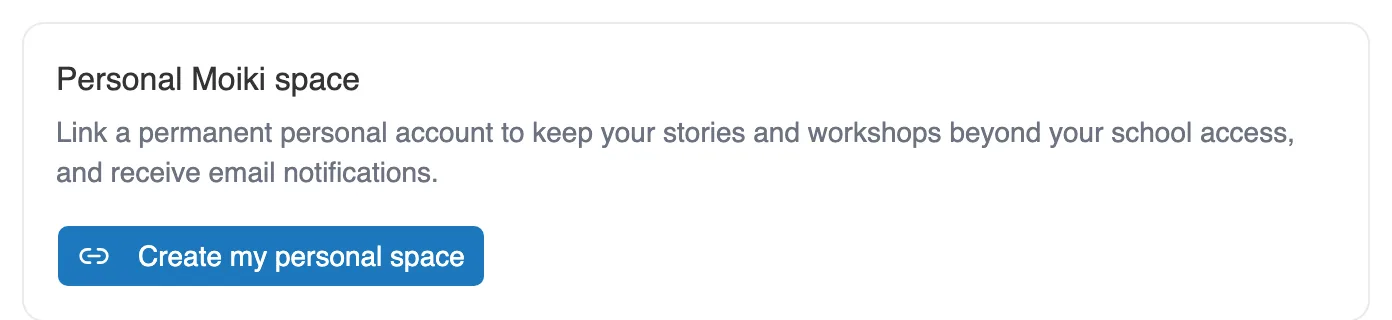
The offer waits for you on your Profile, under My account.
Who it is for
Section titled “Who it is for”It is for you if you teach from an establishment account, opened by an invitation from your manager.
If you have worked with a personal account from the start, the question does not arise: your space is already yours, and the card does not appear. It does not concern managers either, who administer the establishment without creating workshops.
What you gain
Section titled “What you gain”- Your creations follow you. Your stories and your workshops stay yours, even if your establishment access stops.
- People can write to you. An establishment account has no real email address. The personal account provides one, which is what lets you receive comments on your catalog publications and your activity reports.
- Nothing changes day to day. From your establishment account, you keep access to everything.
Your students’ work does not move with them: classes, sessions and productions stay on your institution account.
The journey, once and for all
Section titled “The journey, once and for all”It all starts from My account, then Profile, on the Personal Moiki space card.
-
Click Create my personal space. A window sums up what is about to happen.
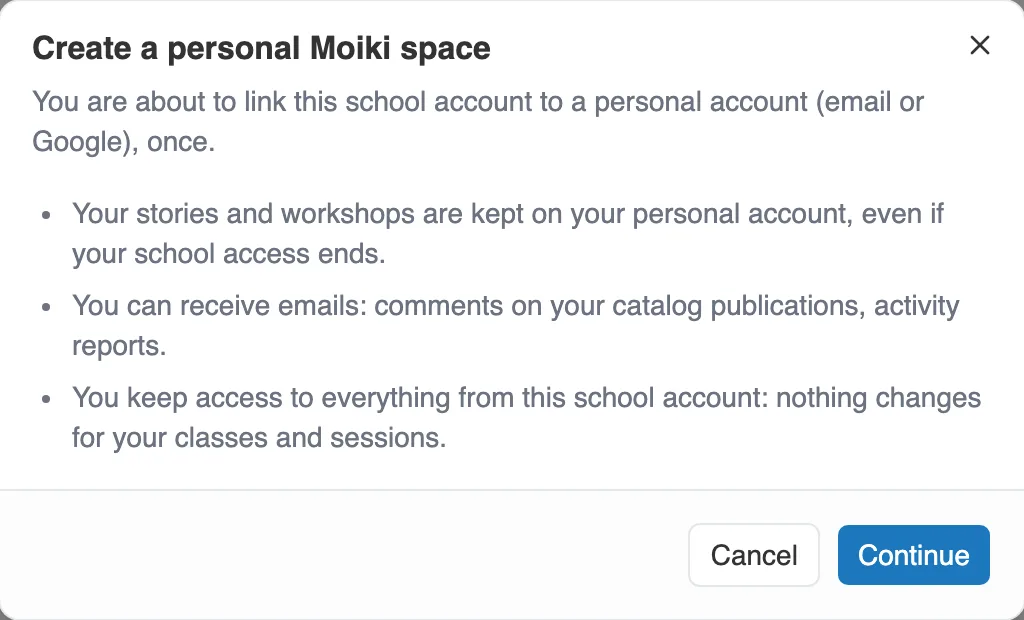
The confirmation window, before you commit to anything.
-
Click Continue. You land on Link my personal account. Sign in to your personal account, or create it with Create my personal account. An email address or a Google account, as you prefer.
-
A last screen tells you which account your creations are moving to. Link this account completes the operation.
-
Moiki announces the result, counting your workshops and your stories.
Once it is done, the card changes its face and recalls how long your account has been linked.
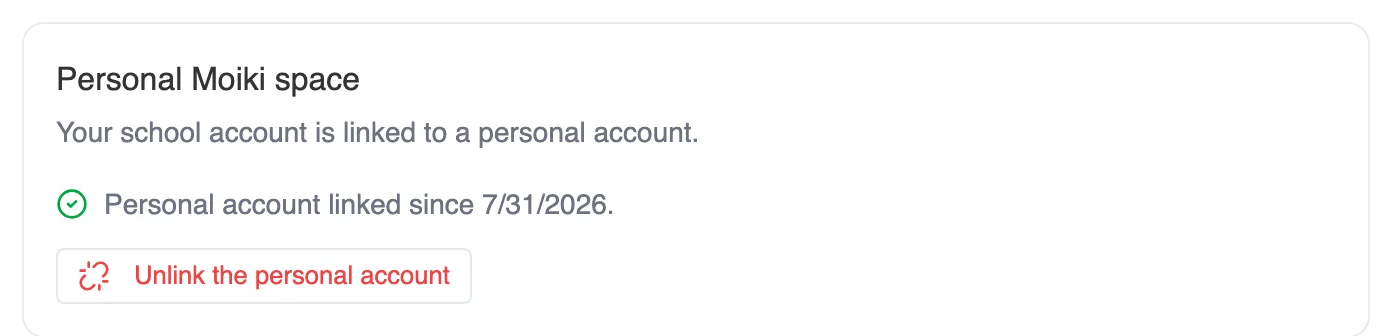
The same card, once the account is linked.
What changes, and what does not
Section titled “What changes, and what does not”Your workshops and your stories now belong to your personal account. From your establishment account, you go on opening them, editing them, duplicating them, publishing them and launching sessions with your classes.
Your classes, your students, your access codes and your sessions do not move. They stay attached to your establishment, and the personal account has no access to them. The work produced by your students also stays on the establishment side.
This is not a merger of accounts either. You stay signed in to one or the other, and you switch by signing out.
Publishing to the catalog requires it
Section titled “Publishing to the catalog requires it”The catalog lists authors who can be reached. As long as you are signed in with an establishment account that has no personal account linked, publishing is refused, and the message points you back here. Once linking is done, your publication carries your personal account. See The catalog.
Unlinking
Section titled “Unlinking”The Unlink the personal account button sits in the same place, on your Profile, and is only offered from the establishment account.
Unlinking gives nothing back. Your stories and your workshops stay on the personal account, they are not copied back: it is the establishment account that loses access. Linking another account later will not bring them home.
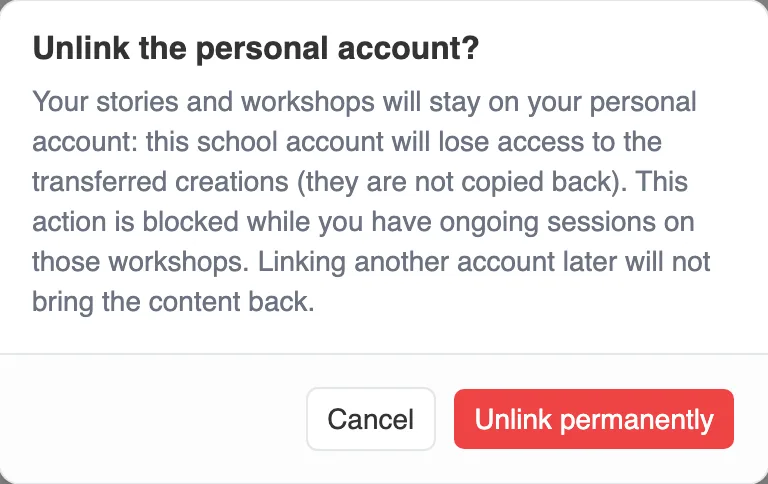
The confirmation says everything you need before you decide.
The operation is refused as long as sessions are in progress or in draft on the transferred workshops. Finish, archive or delete them first.
Good to know
Section titled “Good to know”- An establishment account links to one single personal account at a time. Unlinking remains possible, but brings nothing back: see Unlinking.
- One personal account can host several establishment accounts, if you teach in two places.
- The personal account must be an email or Google account. A student access code will not do.
- On the personal account side, no screen lists the establishment accounts linked to it. The card only shows on the establishment side.