

The team and invitations
An establishment brings together a team: teachers and managers, whom you invite and manage from the administration area.
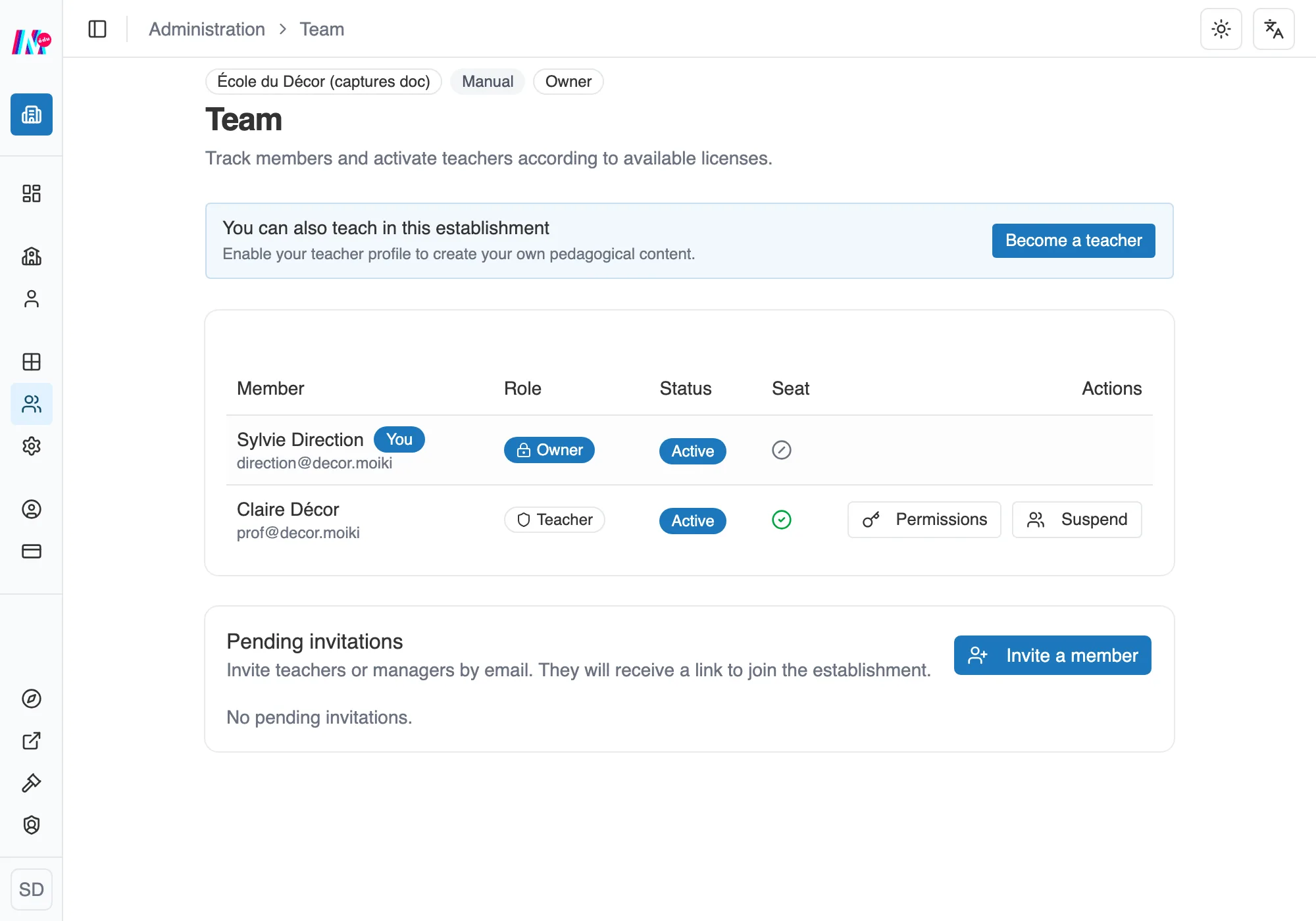
The establishment team, with roles and seats.
Inviting a member
Section titled “Inviting a member”You invite someone by email, giving them a role: Teacher or Manager. They receive a link to join the establishment. Until they accept, the invitation stays Pending.
Two invitations are refused outright, before anything goes out: one aimed at someone who is already a member of the establishment, and one you address to yourself. A Suspended member, on the other hand, can be invited again.
Managing members
Section titled “Managing members”The team table shows each member with their Role, their Status, their Seat and their Source. You can Activate or Suspend a member. Suspending a teacher releases their seat.