

The establishment roster
The roster is the whole set of classes and students in the establishment.
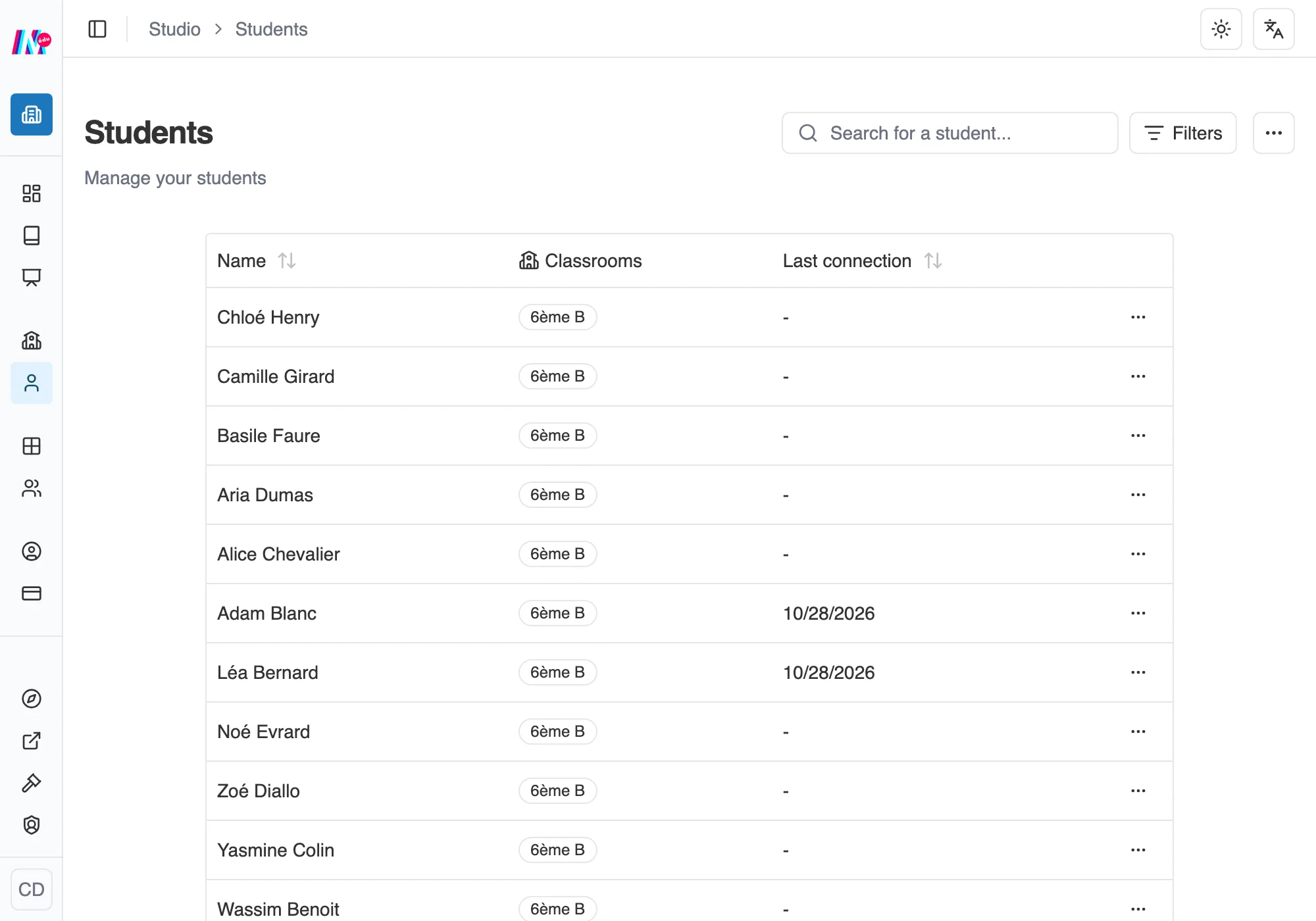
The students of the establishment.
Keeping the roster takes no teacher seat
Section titled “Keeping the roster takes no teacher seat”Creating a class, creating students one by one or by CSV, opening their pages, printing their access codes: all of that is a management task. The Owner and the Managers do it without taking up a teacher seat.
The teacher seat is for teaching: creating workshops, launching sessions. An account that administers the establishment without that role sees, on those screens, a Teachers only box, with a Manage team roles button. See The team and invitations.
Official classes and private groups
Section titled “Official classes and private groups”When creating a class, a manager chooses with the Official class switch:
- on, the class is shared with the whole team of the establishment,
- off, it is a private group, visible to its creator alone.
A teacher only creates private groups. The owner and the managers see every official class, including the ones their teachers run. See Managing your classes and students.
Entrusting a class to its teachers
Section titled “Entrusting a class to its teachers”A teacher only sees an official class, and its students, once it has been entrusted to them. On an official class’s page, the Class teachers block lists the establishment’s active teachers: “Checked teachers see the class and its students, and can run their workshops with it.” Tick them, then Save teachers.

The Class teachers block, on an official class’s page.
This block only appears to whoever manages the establishment’s classes, and only on an official class: a private group stays with its teacher.
Building the roster
Section titled “Building the roster”Before you add a single learner, the space asks you how they will join it: Pupils whose accounts you create, or Students or adults who sign themselves up through an invitation link. The two modes do not mix, and the choice is locked in from the first account onwards. See Pupils or students: how they join your space.
In Pupils mode, you build the roster yourself: one by one, or with a CSV import that creates the classes along the way. How many classes and students you may have is framed by your plan. The day-to-day details are covered in Managing your classes and students.
In Students or adults mode, accounts are born from the space’s invitation link. You create none by hand, and you can restrict sign-ups to the addresses of your establishment. See Establishment settings.