

Establishment settings
A few settings hold for the whole establishment and apply to every one of your classes.
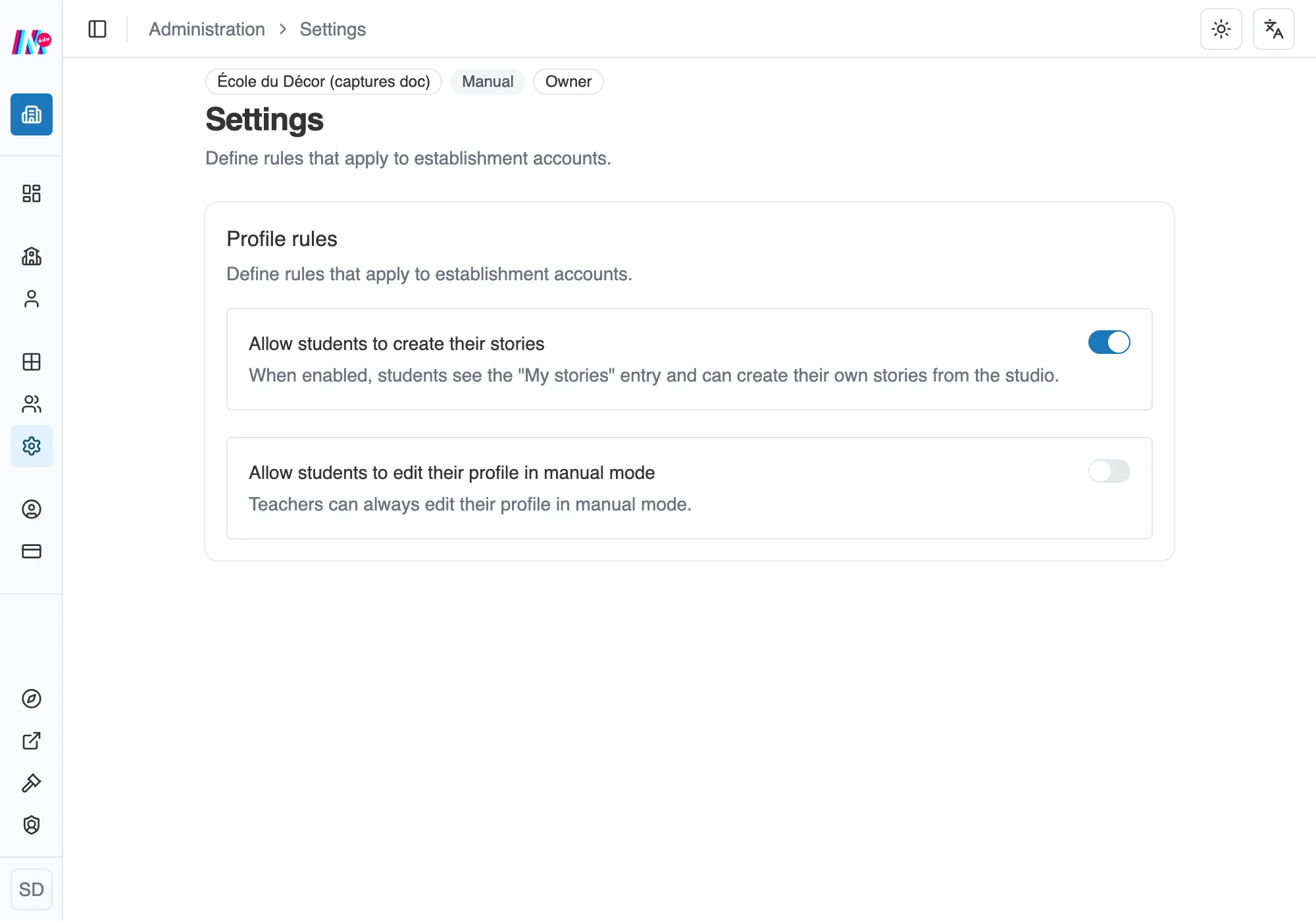
The establishment settings, in the Establishment section.
Profile rules
Section titled “Profile rules”- Allow students to create their stories, outside of any workshop. This setting takes a paid plan. On Free, free-form creation stays closed even with the switch turned on.
- Allow students to edit their profile in manual mode. Teachers can always edit theirs.
Allowed email domains
Section titled “Allowed email domains”If your learners sign themselves up through an invitation link, you can accept only the addresses of your establishment. With no domain set, every registration has to be approved by hand. See Pupils or students: how they join your space.
These settings live in the Establishment section of the sidebar, under Settings, open to managers.