

The catalog
The catalog gathers ready-to-use workshops shared by teachers. You can browse them, preview them, import them into your studio, and publish your own there.
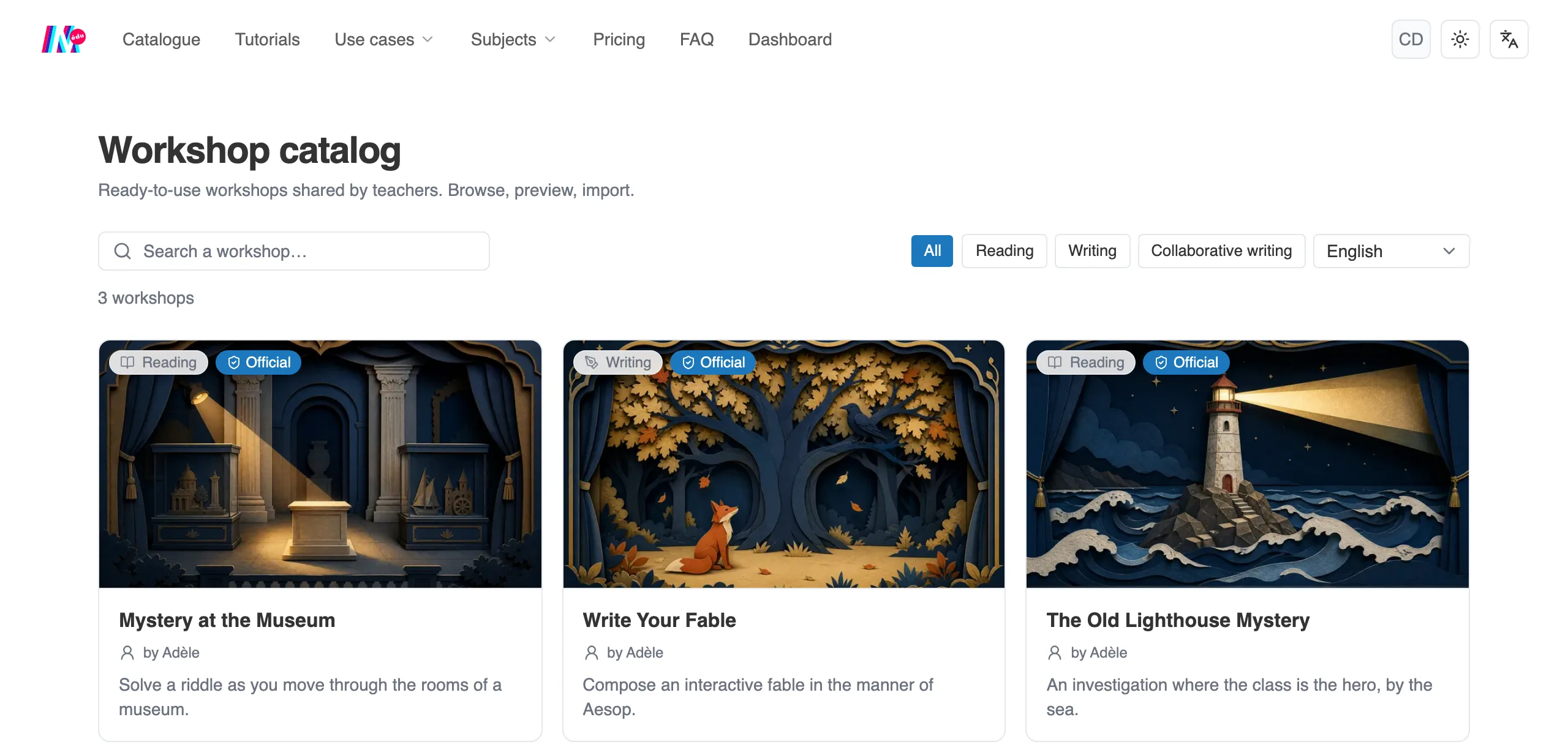
The workshop catalog, there to browse and to import from.
Browse
Section titled “Browse”The catalog is free to look through, even without an account. Three tools help you find one:
- a search,
- filters by type: Reading, Writing, Collaborative writing,
- a language selector.
The catalog opens on your interface language: at first you only see the workshops written in that language. The selector changes language, or shows all of them. If nothing exists in the chosen language, the empty screen offers Show all languages.
Workshops published by Moiki carry an “Official” badge.
A workshop’s entry
Section titled “A workshop’s entry”Click a card to open its entry. It shows the cover, the author, the description, the Objectives and the Instructions.
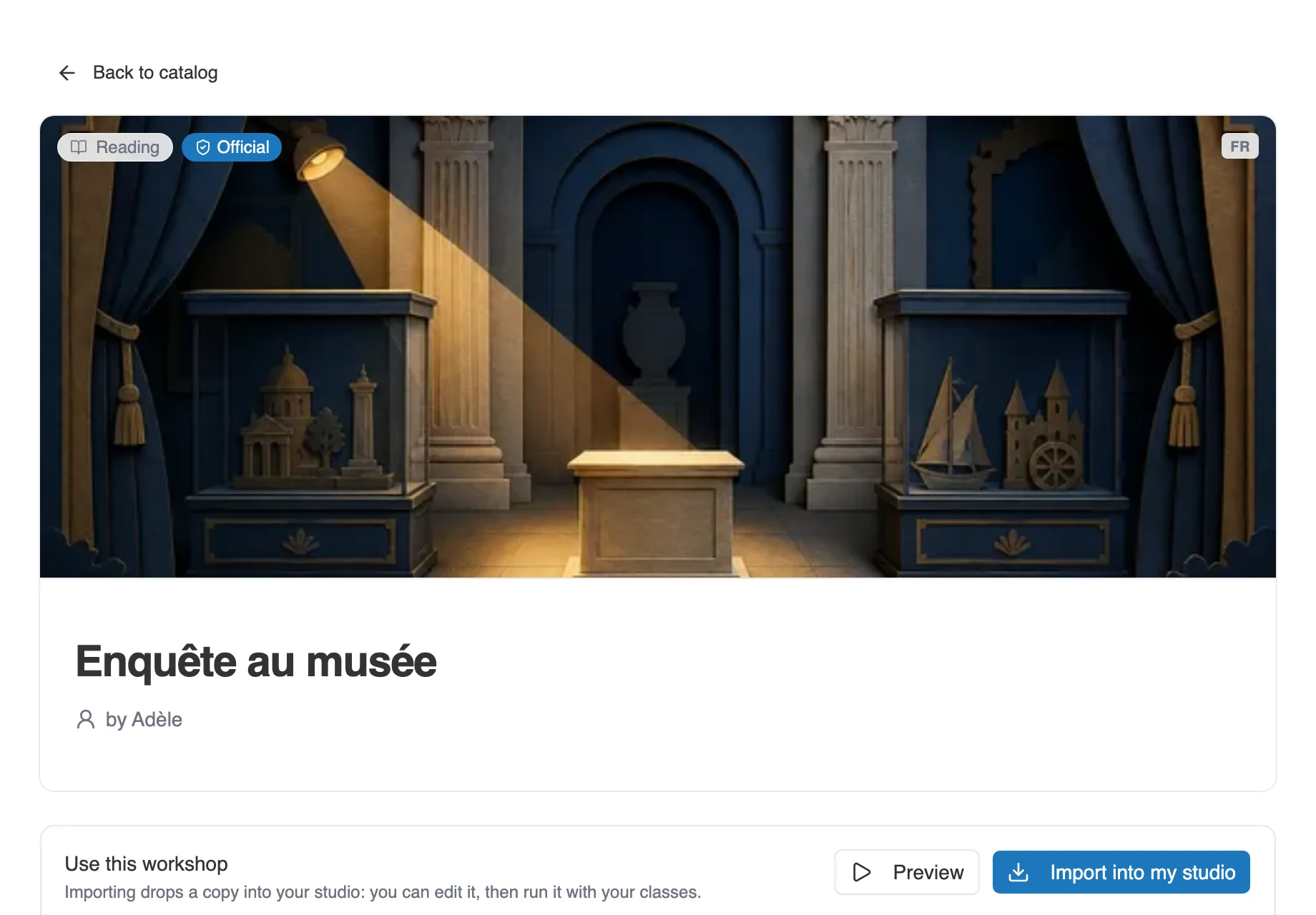
A workshop’s entry. The Use this workshop block carries the preview and the import.
The Use this workshop block carries two actions:
- Preview plays the story, to judge for yourself before importing.
- Import into my studio drops a copy of the workshop into yours. You can edit it, then launch it with your classes.
When a workshop holds several stories, the entry lists them, each with its preview: all of them are imported with it.
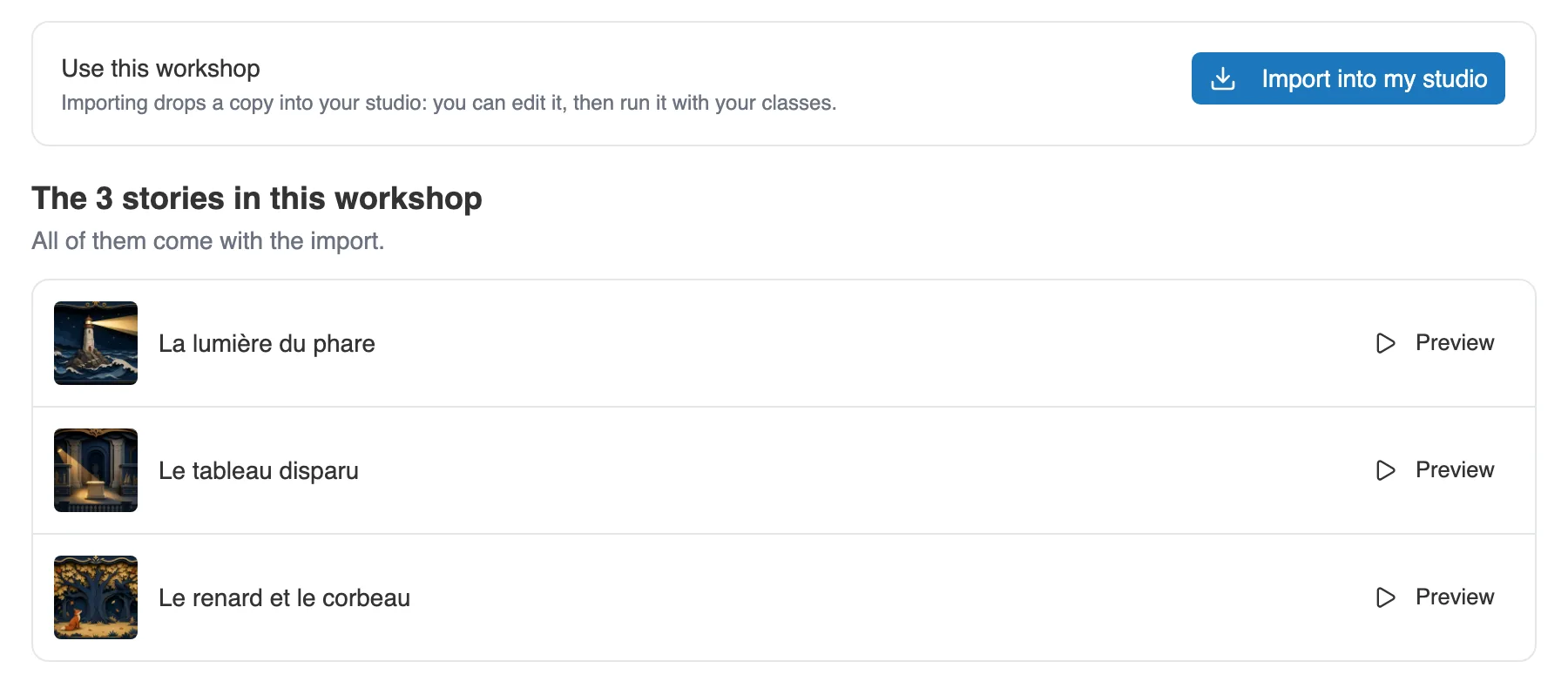
A workshop with several stories: each has its preview, all are imported together.
Variants
Section titled “Variants”A teacher who imported a workshop can publish their adaptation. It does not become a competing entry: it shows on the original entry, in a Variants section, with its author’s name. The See the published variant button leads to it.
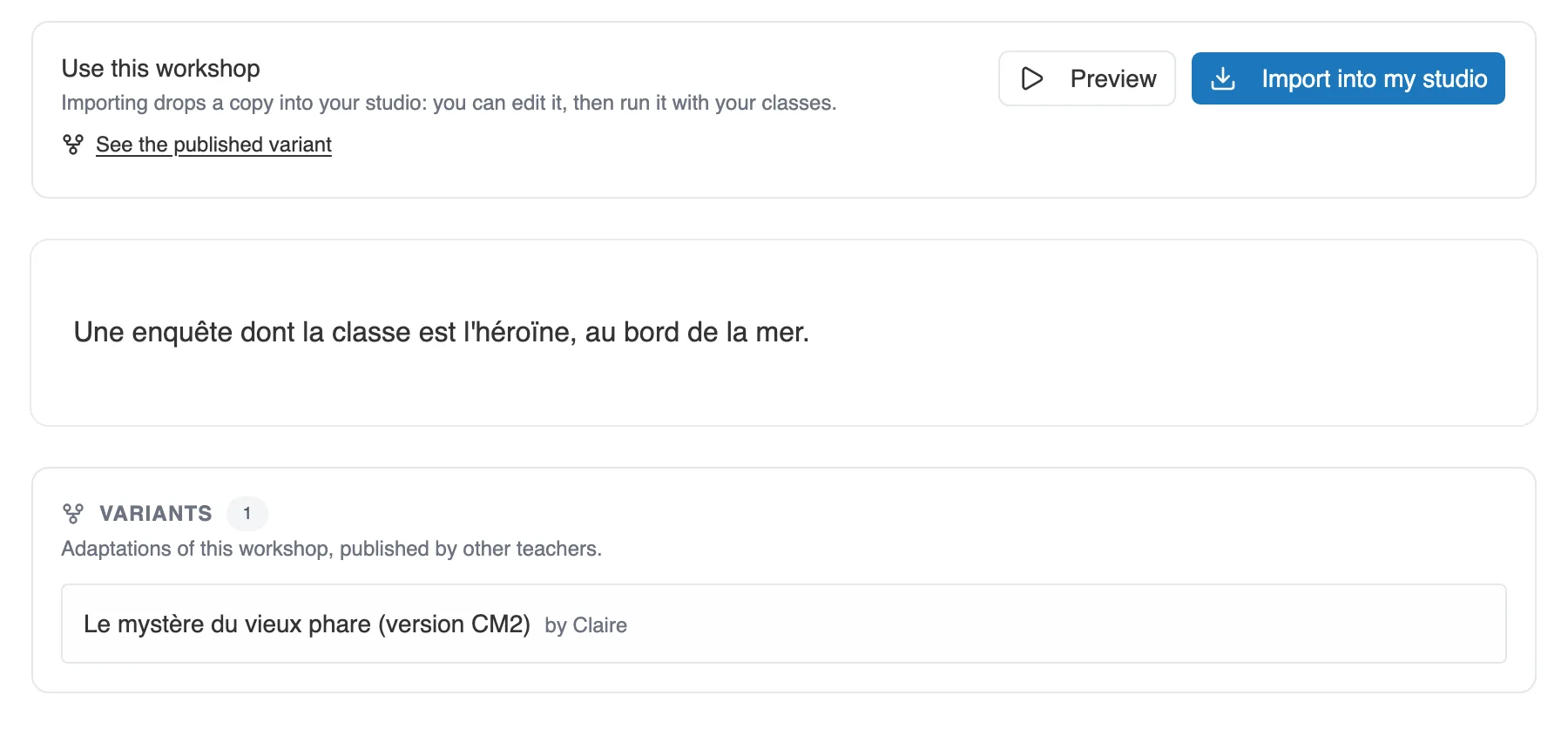
The Variants section, at the bottom of the original entry.
Publish a workshop
Section titled “Publish a workshop”On your workshop’s page, the Publish to the catalog block says where it stands.
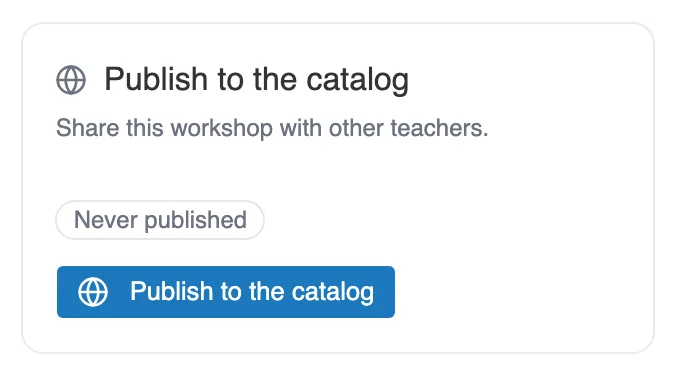
The Publish to the catalog block, on a workshop’s page.
It has four states:
- Never published: nothing has left your studio.
- Published · version N: the workshop is in the catalog. The block then offers View the entry, Update and Unpublish.
- Copy of “…”: the workshop comes from the catalog, you imported it. The block recalls its origin and its author.
- Variant: you imported the workshop, then published your adaptation.
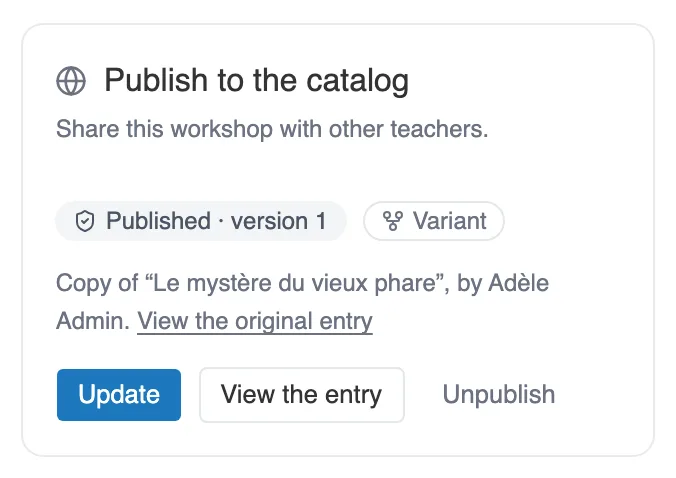
The block of a workshop that was imported then published: it is both Published and a Variant.
A workshop can only be published if it is Ready to launch and if its stories are finished. Publishing is refused while Validation still reports a critical problem or a warning in them, a missing cover or an empty text for instance. When the workshop holds several stories, the message names the one to go back to. The starting story of a writing workshop is not concerned. See Limits and checks.
The publishing terms
Section titled “The publishing terms”Publish to the catalog opens a window. You can leave a release note there, which is optional, and you must accept the publishing terms: the button stays inactive until the box is ticked.
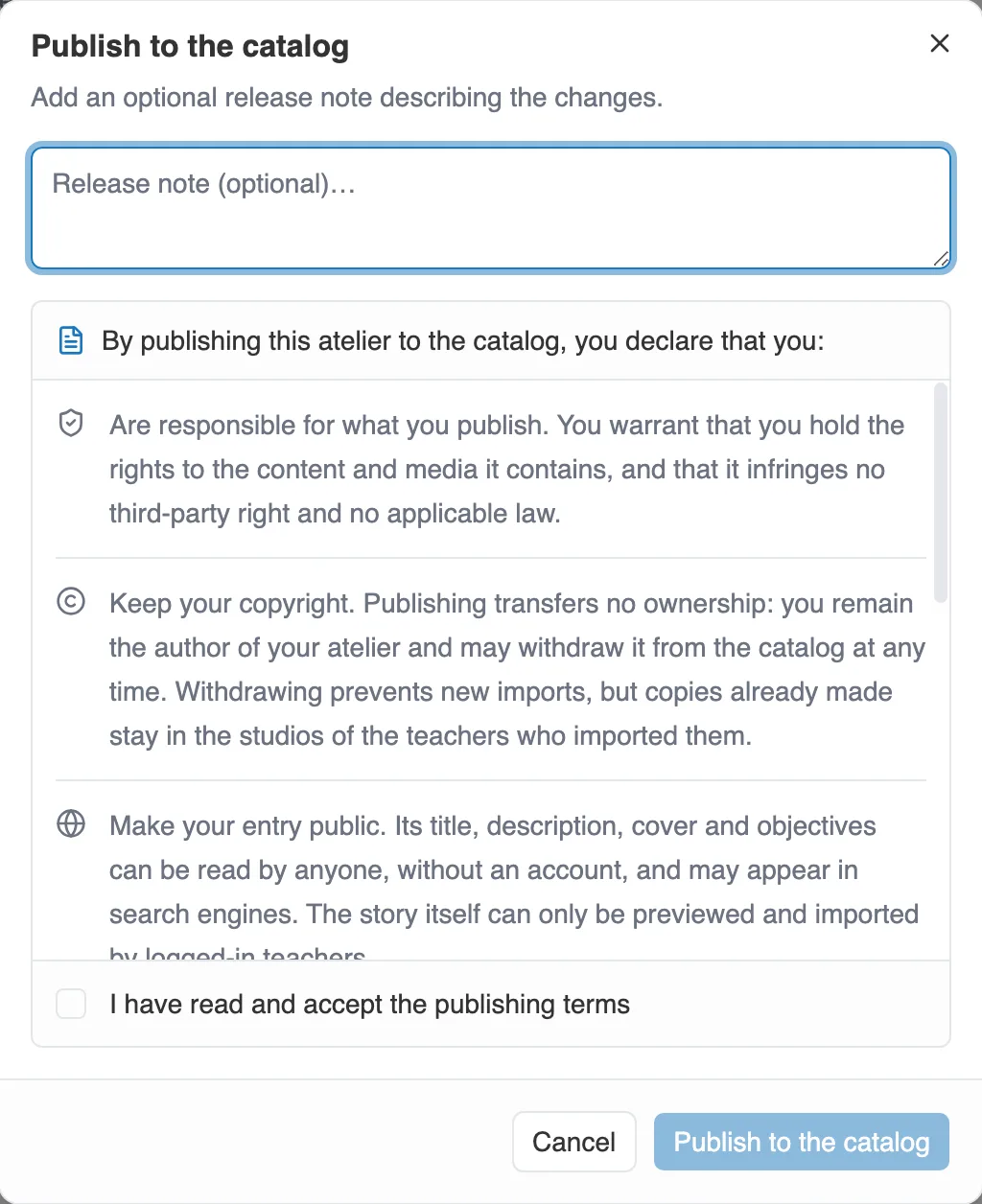
The publishing window, with its terms.
By publishing, you declare seven things. Here is what they mean:
- You are responsible for what you publish, and you hold the rights to the content and its media.
- You keep your copyright. You can withdraw the workshop at any time. Copies already imported stay with the teachers who made them.
- Your entry becomes public. Its title, its description, its cover and its objectives can be viewed by anyone, without an account, and may appear in search engines. The story itself is only played and imported between signed-in teachers.
- Subscribed teachers can import your workshop, adapt it and use it with their classes. It is a licence for teaching use, not a transfer of your rights.
- Moiki can communicate about your publication, to make the catalog known. That permission ends if you withdraw the workshop.
- Moiki can hide a publication that does not respect these terms, the law or the educational purpose of the service. Your workshop stays intact in your studio.
- The agreement covers updates: you are not asked again for each new version.
The exact wording is the one in the window: read it before ticking.
Update, unpublish
Section titled “Update, unpublish”Update publishes a new version, with its release note if you leave one.
Unpublish withdraws the workshop from the catalog. Nobody can import it any more, but the copies already made stay with their authors. Publishing again reopens the same entry.
Publishing an imported workshop
Section titled “Publishing an imported workshop”A workshop you imported keeps the link with its origin, and the player credits its original author. If you publish it in turn, the window warns you: it will be published as a variant, visible from the original entry and not as a separate one.
From an establishment account
Section titled “From an establishment account”If you teach from an establishment account, publishing first asks for a linked personal account, so that the teachers who read you can reach you. See Your personal Moiki space.