

Achievements
An achievement rewards a path taken or a memorable choice: walking into the library without flinching, finding the hidden item. A small nod that makes you want to play again, differently.
Achievements are managed in the Achievements tab.
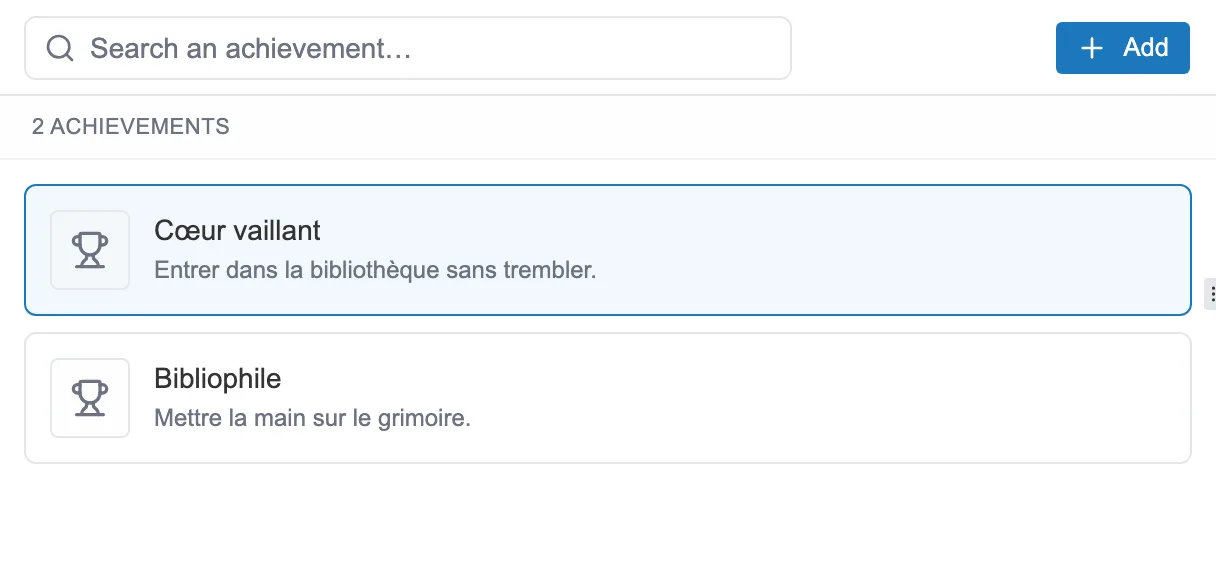
The Achievements tab: each achievement has a name and a short description.
Creating an achievement
Section titled “Creating an achievement”The Add button opens a window that only asks for a name. The description, the icon and the unlock condition are set afterwards, on the achievement’s card.
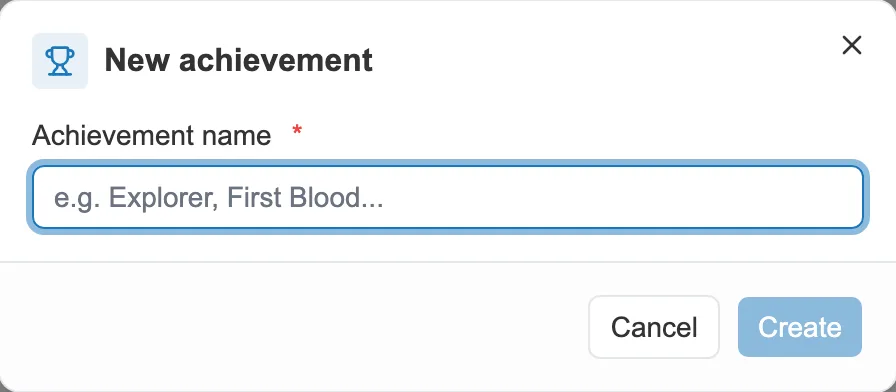
A new achievement starts with a name.
Unlocking it
Section titled “Unlocking it”An achievement unlocks automatically as soon as its Unlock condition becomes true. You define that condition on the achievement’s sheet, once it has been created. See Conditions.
On the reading side
Section titled “On the reading side”An achievement that has not been unlocked stays hidden. The reader sees “???” in its place, until they earn it.