

The cover
Before reading begins, the reader sees a title screen: it is the first impression your story makes.
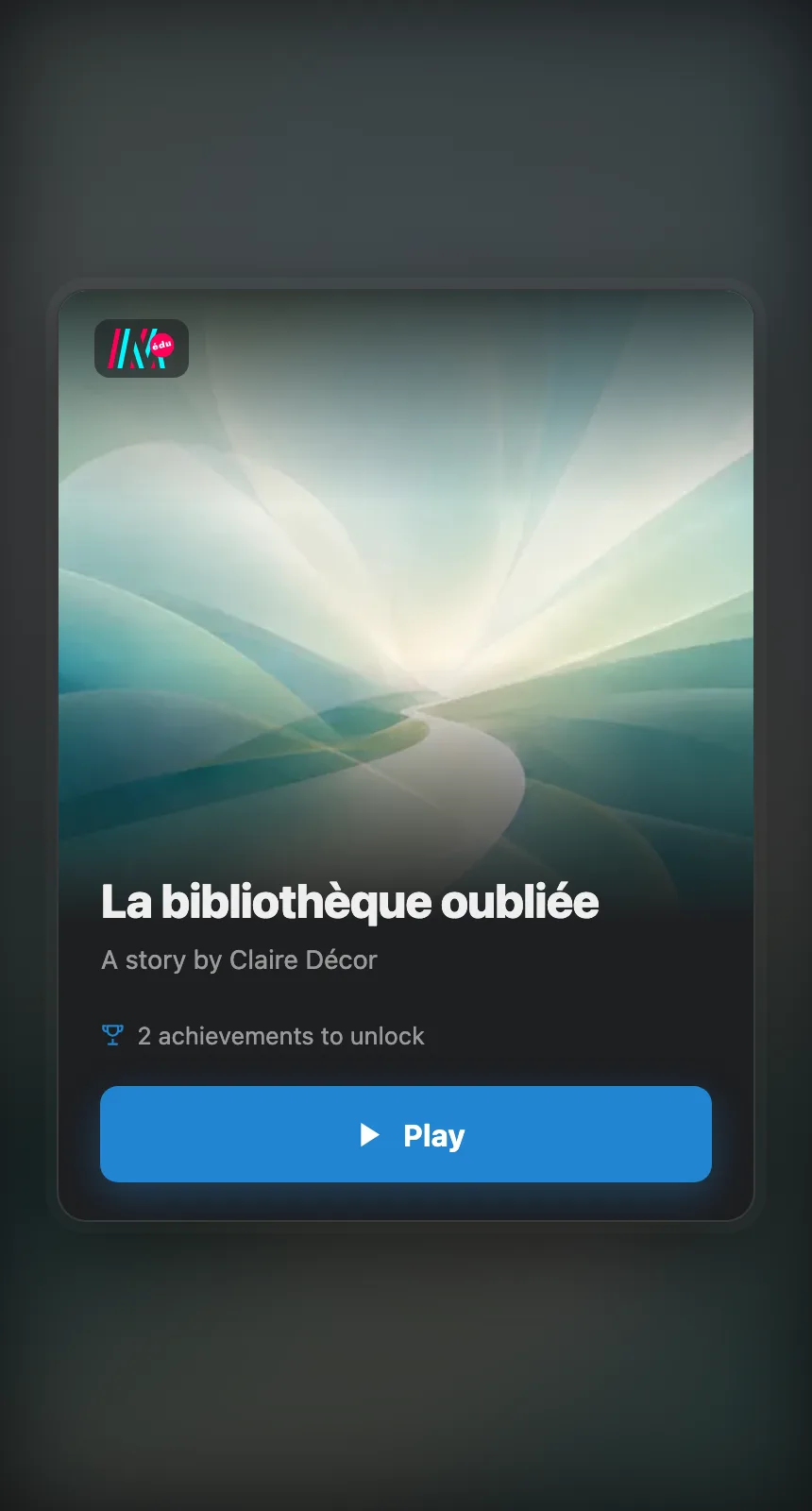
The title screen: the title, the author, and the button to begin.
What it shows
Section titled “What it shows”- The title of the story and the name of the author.
- The cover image, behind the title screen.
- The number of achievements to unlock, when the story is played in a context that carries them, such as the preview or a class session. See Achievements.
- The Play button, which becomes Resume when a game is in progress.
Where to set it
Section titled “Where to set it”Everything is set in the story’s Settings, General tab:
- The cover image is picked in its own section: Change to replace it, Remove to take it away. Options opens the cover editor, where you crop it to 16:9, apply a Filter (Sepia, Black & white, Dream, Vintage, Nightmare) and can Reset to original at any time.
- The title and the description are typed in just above.