

Videos
Moiki accepts MP4, WebM, MOV, AVI and MKV, up to 10 MB per file. It is the heaviest family. On the free plan, a single video can take up two thirds of a story’s storage.
Importing a video
Section titled “Importing a video”The sources are the same as for the other families, with an online search on Pexels. See The media library.
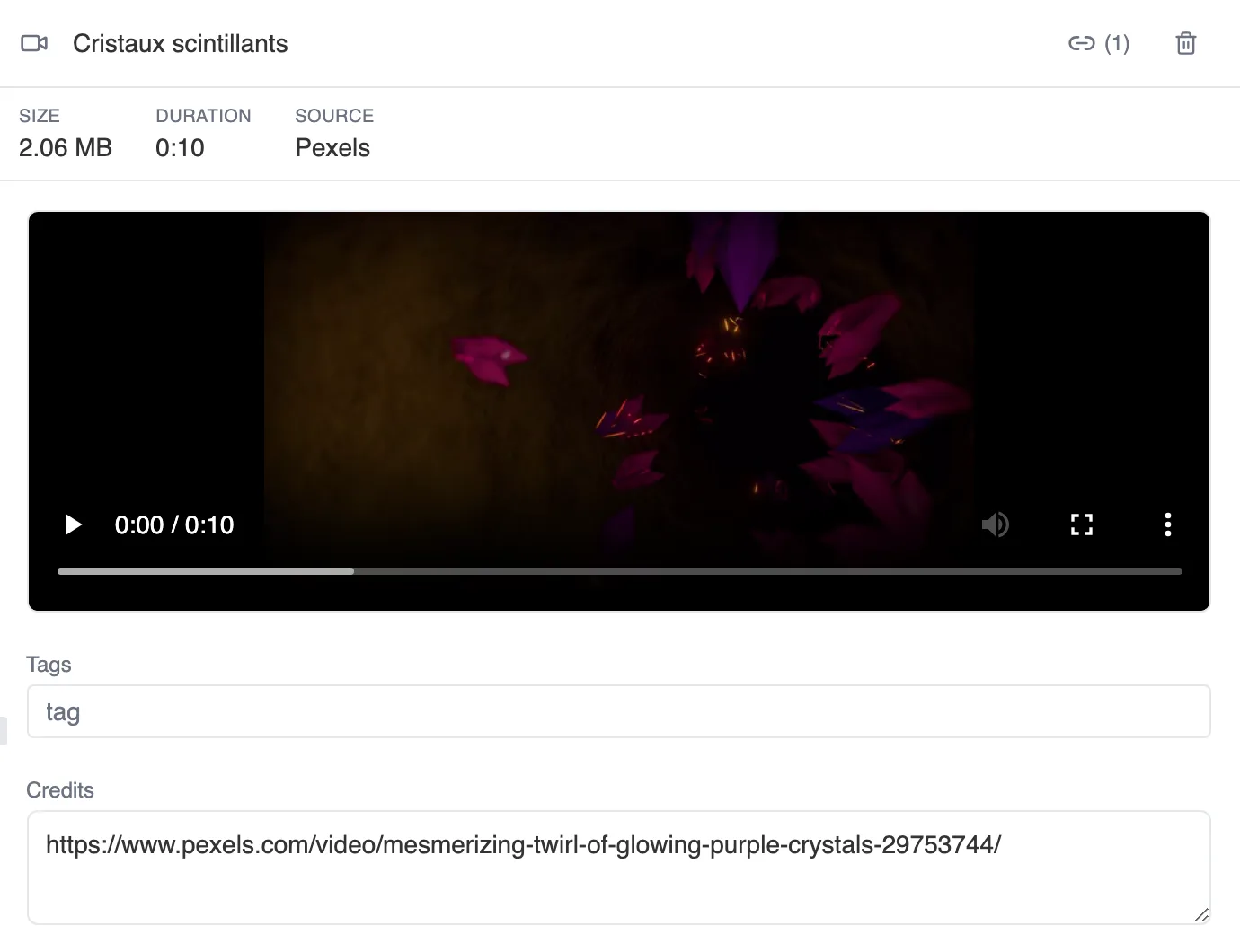
The card of a video found on Pexels.
Where a video can be used
Section titled “Where a video can be used”A video fills two roles, and the difference matters.
- The background video of a sequence, behind the text. It is a one-off clip. It plays when the reader arrives on the sequence, and stops with it.
- The background video of a theme, set in the Scene tab of the theme editor. It is an ambience. It travels across sequences without starting over, and it has its own settings, including Loop and Muted. See Themes.
A sequence cannot have both a background video and a background image. The two fight over the same backdrop, and adding one removes the other. A background video does sit happily alongside the image shown with the text.
Setting up a sequence video
Section titled “Setting up a sequence video”Once the video is in place, a few settings decide how it plays.
Display timing is the most important one. It decides what the reader sees, and when:
- Immediate: the text and the choices appear right away, on top of the video.
- At the end: the video plays first, on its own, and the text only arrives once it is over. This is the setting for cutscenes.
- Before end: the text arrives a little before the last frame, so nothing stalls.
Then come Loop video, which makes it run continuously, Enable audio, muted by default, and Allow skip, which leaves the reader free to move on. That last switch only appears when the text does not come right away: with Immediate, there is nothing to skip.
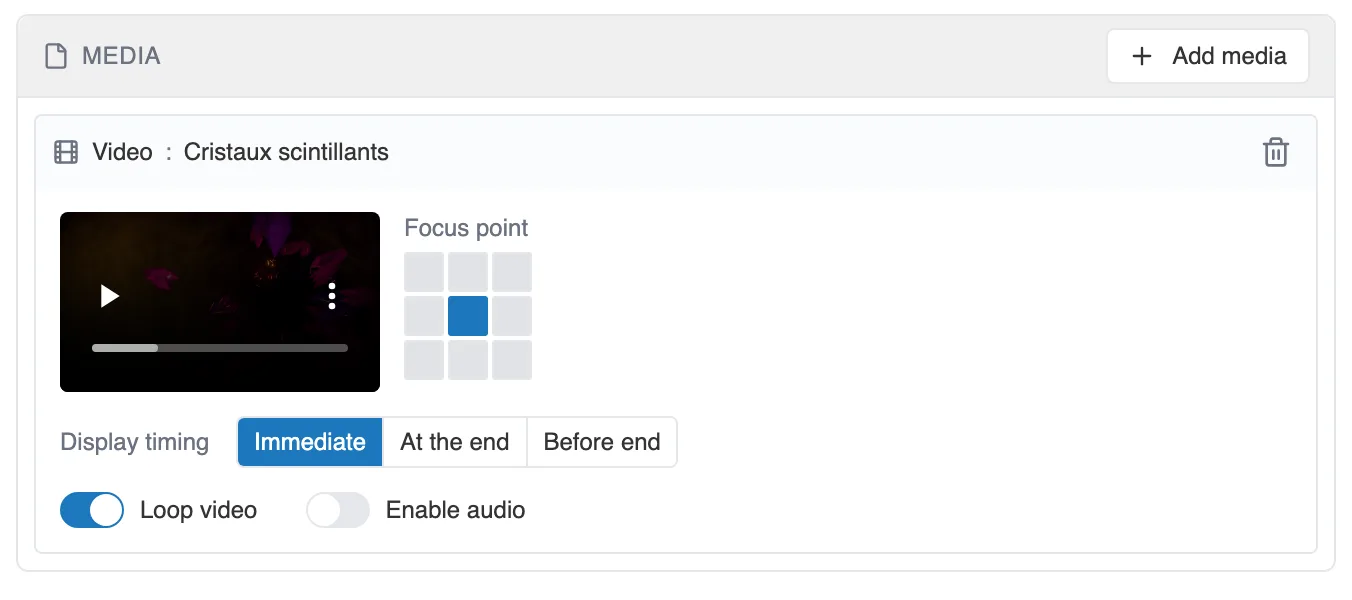
The settings of a sequence video, in the MEDIA block.
The Focus point marks the part of the picture to keep centered when the frame is narrower than the video, on a phone for instance. That is what keeps a face from being cut off. The sequence preview shows a still frame of the video, so you set the focus point while seeing what it frames.