

Story settings
Beyond its content, a story has settings: its title, its language, what it allows the reader to do. Everything sits in the Settings tab, arranged in three panels.
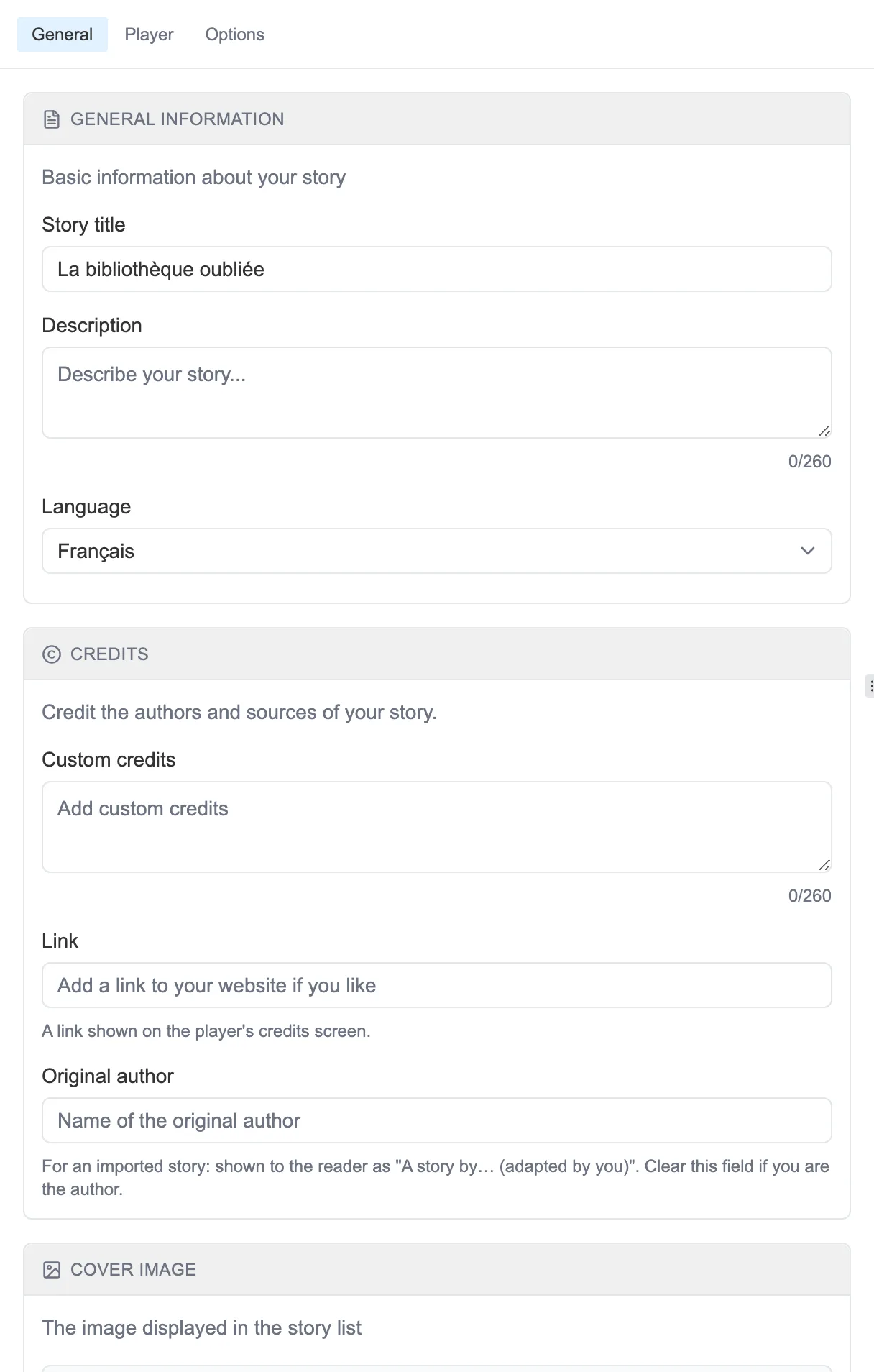
The General panel of the Settings.
General
Section titled “General”The General panel gathers the essentials:
- The Story title, the Description and the Language.
- The Credits: free text, a Link to your website, and an Original author (useful for a story you are adapting).
- The Cover image (see The cover).
- Tags to file it away.
Player
Section titled “Player”The Player panel governs how reading behaves:
- Allow backtracking: the reader can go back, or not.
- Show stats: show readers their progress, their counters and their gauges.
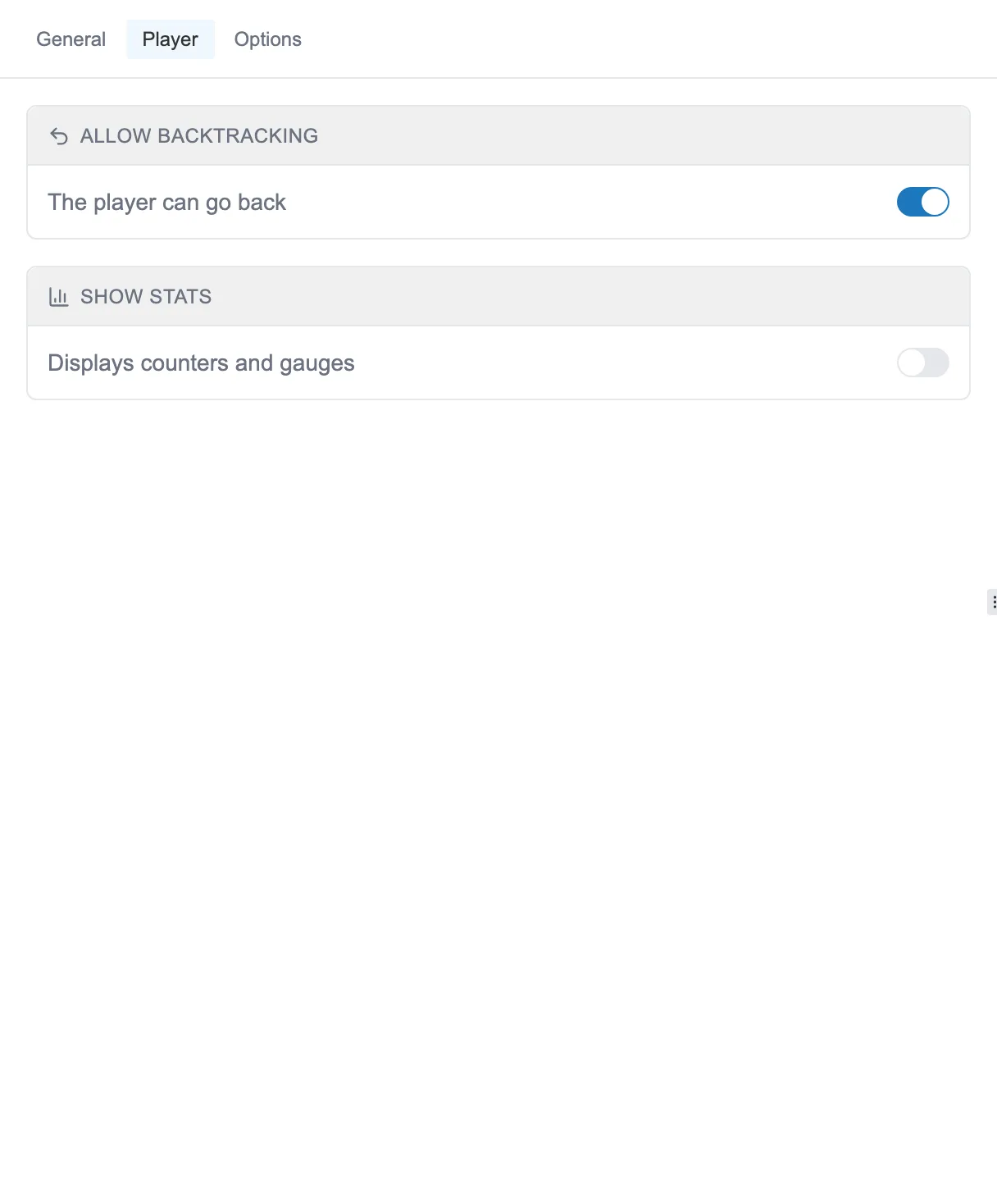
The Player panel: what the story allows and shows the reader.
Options
Section titled “Options”The Options panel keeps the rarer settings: switching to expert mode (see Sub-graphs), and a reminder of the story information (creation date, number of sequences, version).