

Sound
Moiki accepts MP3, WAV, OGG and WebM, up to 5 MB per file.
Importing a sound
Section titled “Importing a sound”Two entries specific to sound come on top of the usual sources:
- an online search on FreeSound, the library of free sounds,
- Record a sound, straight in the browser. Handy for a voice-over, an improvised sound effect or a spoken instruction.
A sound’s details
Section titled “A sound’s details”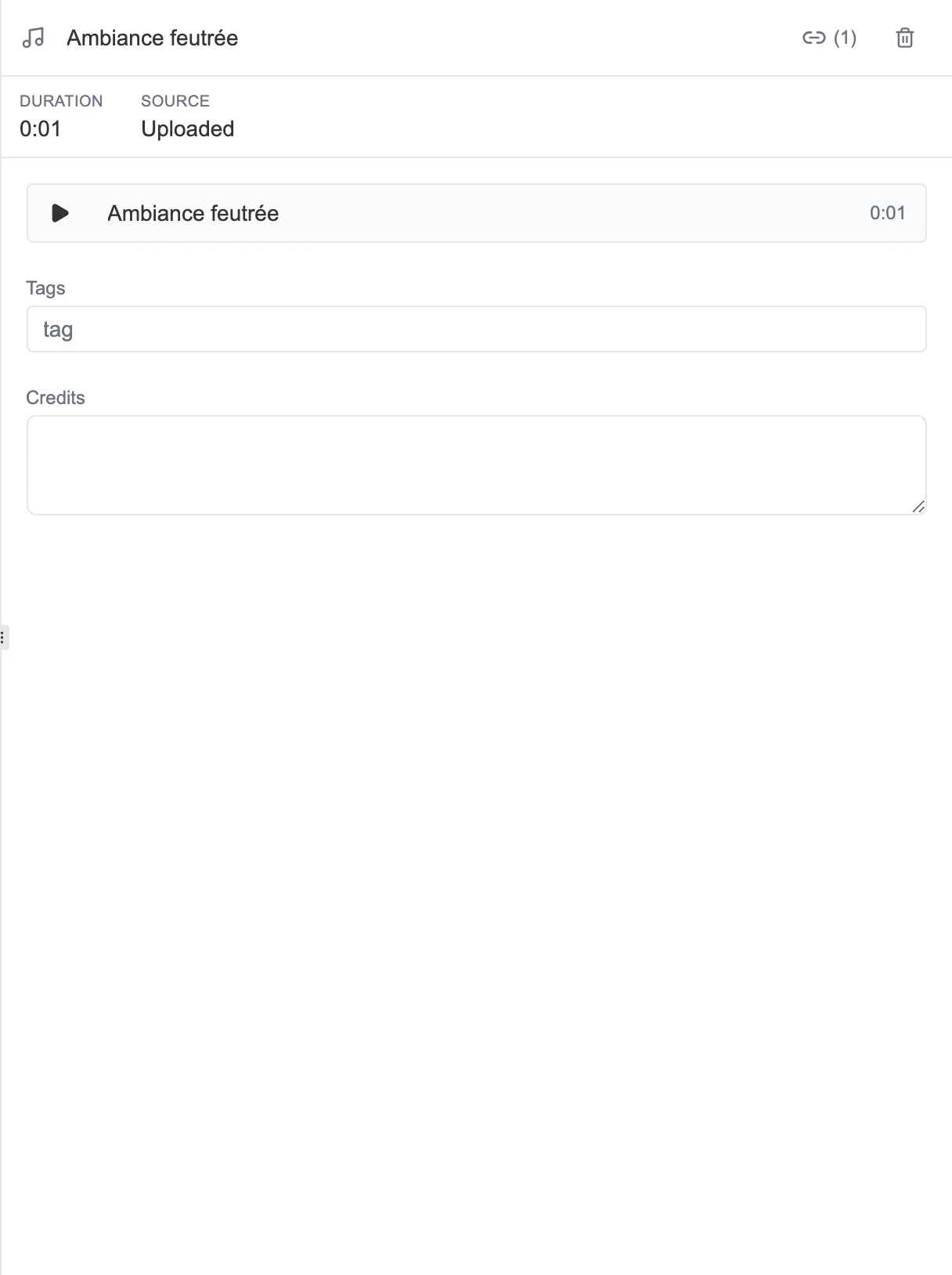
The details of a sound: its duration, its source, a way to listen to it, and its tags.
The details show the duration of the sound and its source: Uploaded for a file that came from your device, the name of the service for a sound found online. A player lets you listen to it on the spot.
Loop or effect: the slot decides
Section titled “Loop or effect: the slot decides”A sequence has two independent sound slots, and a sound is neither a “loop” nor an “effect” in itself. Where you place it decides:
- placed as an ambient sound, it plays continuously, and carries on from sequence to sequence until another one replaces it,
- placed as a sound effect, it plays once, on arriving at the sequence.
So any sound in the library is offered in both slots. The duration shown in the picker helps you choose: a few seconds for an effect, more for an ambience.